Automation & agents · Analysis
How to tell whether a browser agent actually finished a task
Evaluate browser agents against persisted outcomes, task-level evidence and repeatable fixtures before trusting their completion messages.
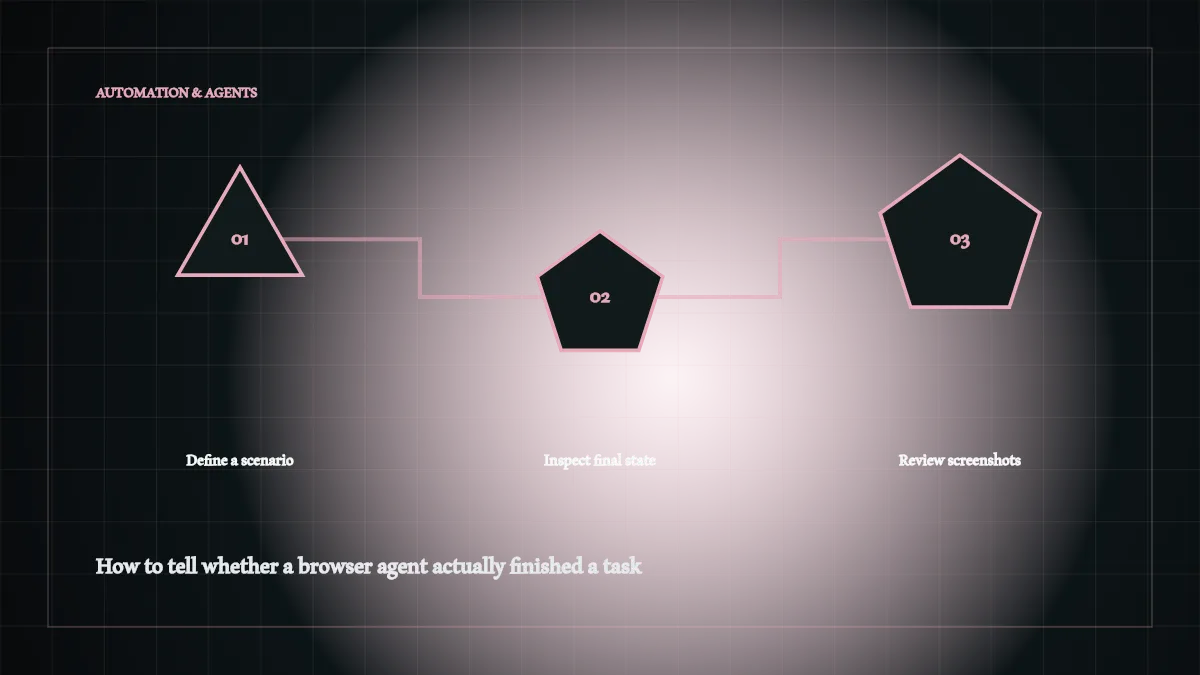
A browser agent says it saved a refund policy. Its final screenshot shows a green toast. A reload shows the old policy, because the change was never committed. Both the report and the screenshot looked plausible.
Define the result outside the chat log
Set the required version and workspace in a task fixture. Verify success by reloading the UI in a fresh context or querying authorized application state. Describe what must remain unchanged, such as another workspace’s copy.
Source · Anthropic · Agent evaluations
Keep the right evidence
Save the runner version, fixture revision and action trace. Use screenshots to understand what the agent saw, especially dialogs or disabled controls. Read public benchmark methodology for the task configuration and reporting conditions before comparing a score.
Source · MIT · The AI Agent Index · Anthropic · Agent evaluations
Include blocked and interrupted cases
Test expired sessions, drafts and tab failures. Check that an operation requiring a human can pause without claiming success. Repeat the same task enough to see whether outcomes fluctuate and report the conditions alongside the result.
Source · MIT · The AI Agent Index · Anthropic · Agent evaluations
What to take away
Use durable application evidence for the pass condition and screenshots as context for diagnosis.