Automation & agents · Analysis
Batch processing or live generation?
Choose async AI processing for background editorial work and a live response for tasks where someone is waiting on the screen.
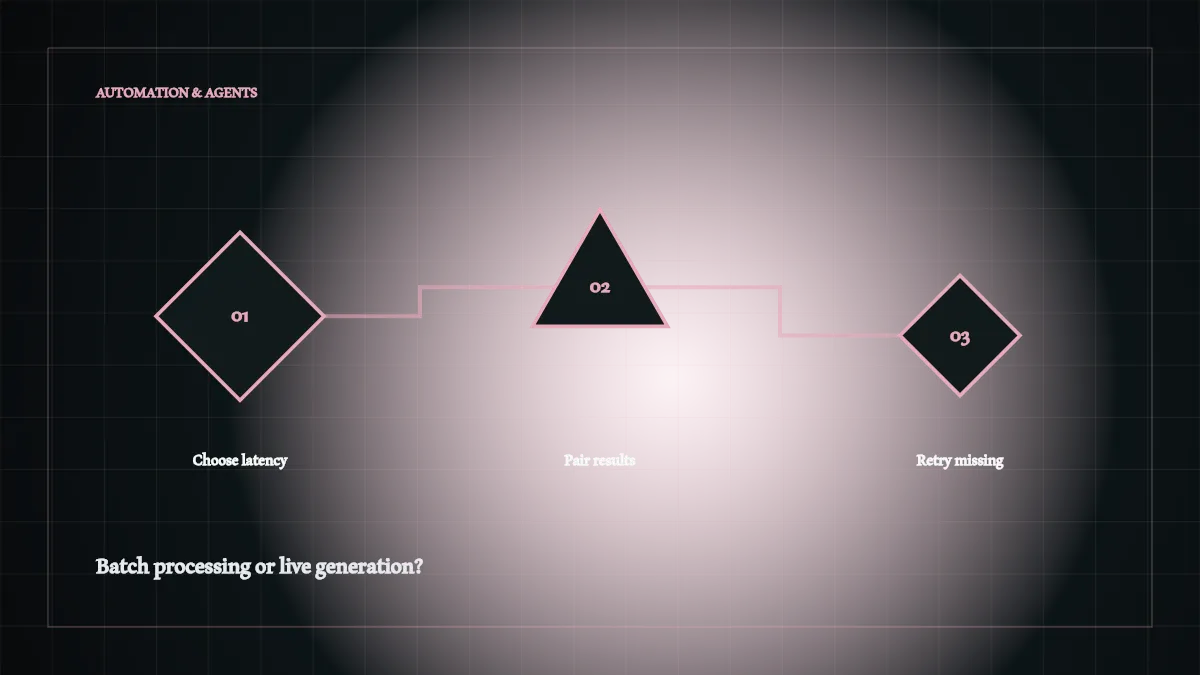
A glossary page needs refreshed summaries for 600 terms. At the same time, a user is asking for help with one article now. Treating both as the same request path makes the background job compete with the reader.
Design for the person’s wait
An interactive draft can stream visible progress. For background enrichment, the Batch API documents asynchronous processing and result files. The product can show a job reference and finish later.
Source · OpenAI · Batch API · OpenAI · Streaming API responses
Keep stable request IDs
Pair each submitted item with an identifier from your data. Attach the returned result to that ID and verify the original item has not changed before replacing its summary. A batch is a collection of results, including individual failures.
Source · OpenAI · Batch API
Separate recovery budgets
Retry just the missing items on the next run. Measure total completed items, elapsed time and failure reasons. Keep the live editing path independently available.
What to take away
Set a time requirement for the reader and a separate one for the library job. Use the API mode that matches each requirement.