Applied AI · Guide
Why your prompt cache misses after a small change
Identify changes to a model request’s stable prefix and measure cache hits, input cost, and latency before redesigning a shared prompt.
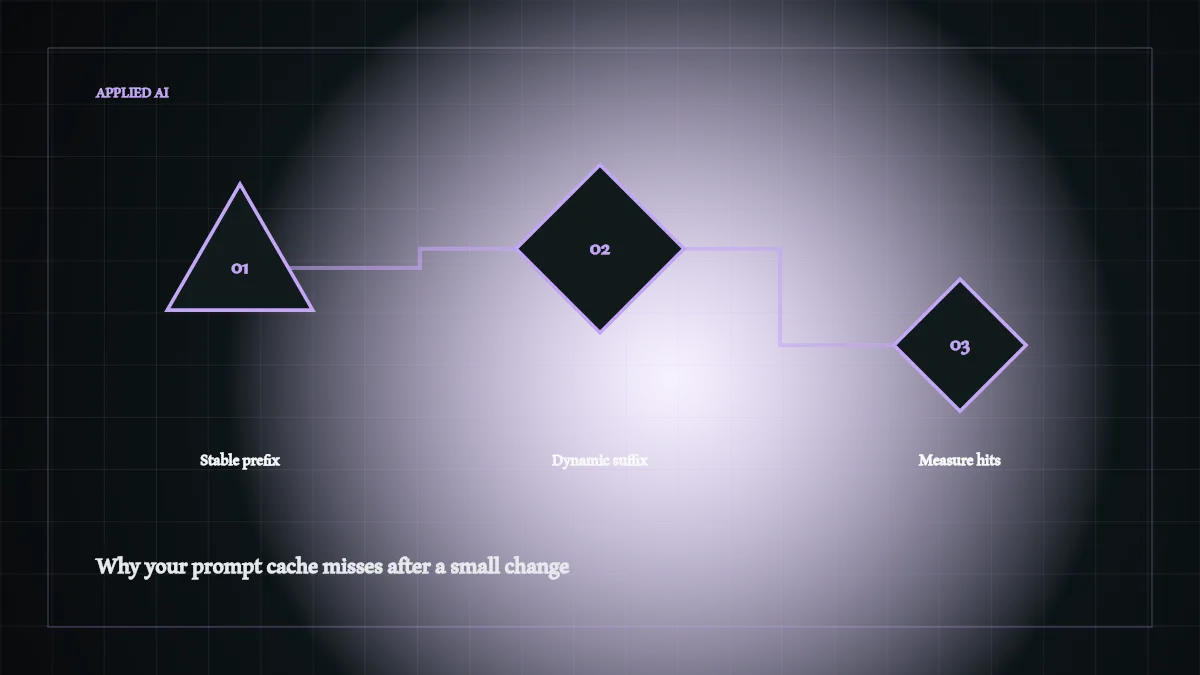
Three prompts can ask the same question and produce the same output yet make different use of a prefix cache. A diagnostic run can identify whether the difference comes from prompt order, traffic, or the request being ineligible.
Move repeatable material where the cache checks
OpenAI’s prompt caching documentation describes reuse for matching prefixes. Put reusable instructions, examples, and stable tool declarations first. Place per-user information and timestamps later. Check the provider’s documented eligibility, retention, and telemetry before setting a savings expectation.
Source · OpenAI API — Prompt caching
Run three deliberately comparable requests
Send a request and repeat it with the same prefix and a new trailing question. Then repeat with an early timestamp or instruction changed. Log cached input tokens and time to first token across repeats of each condition. Report overall input size so the result distinguishes an ineligible request from a true miss.
Source · OpenAI API — Prompt caching · OpenAI API — Latency optimization
Keep prompt releases easy to diagnose
Version the shared instruction block and record when it changes. Track the share of traffic with recurring stable prefixes and calculate savings from billed cached tokens across those requests. Compare representative workload timing before attributing an isolated fast response to caching.
What to take away
Useful prompt-cache telemetry answers what matched, on which traffic, and how much it changed the user-visible cost and wait.